

24,000+ live channels and 50,000+ movies streaming straight to your Firestick or Android device — in 4K, with anti-freeze tech. Try it free for 24 hours in 2026 and see why cord-cutters in the US and UK keep switching.
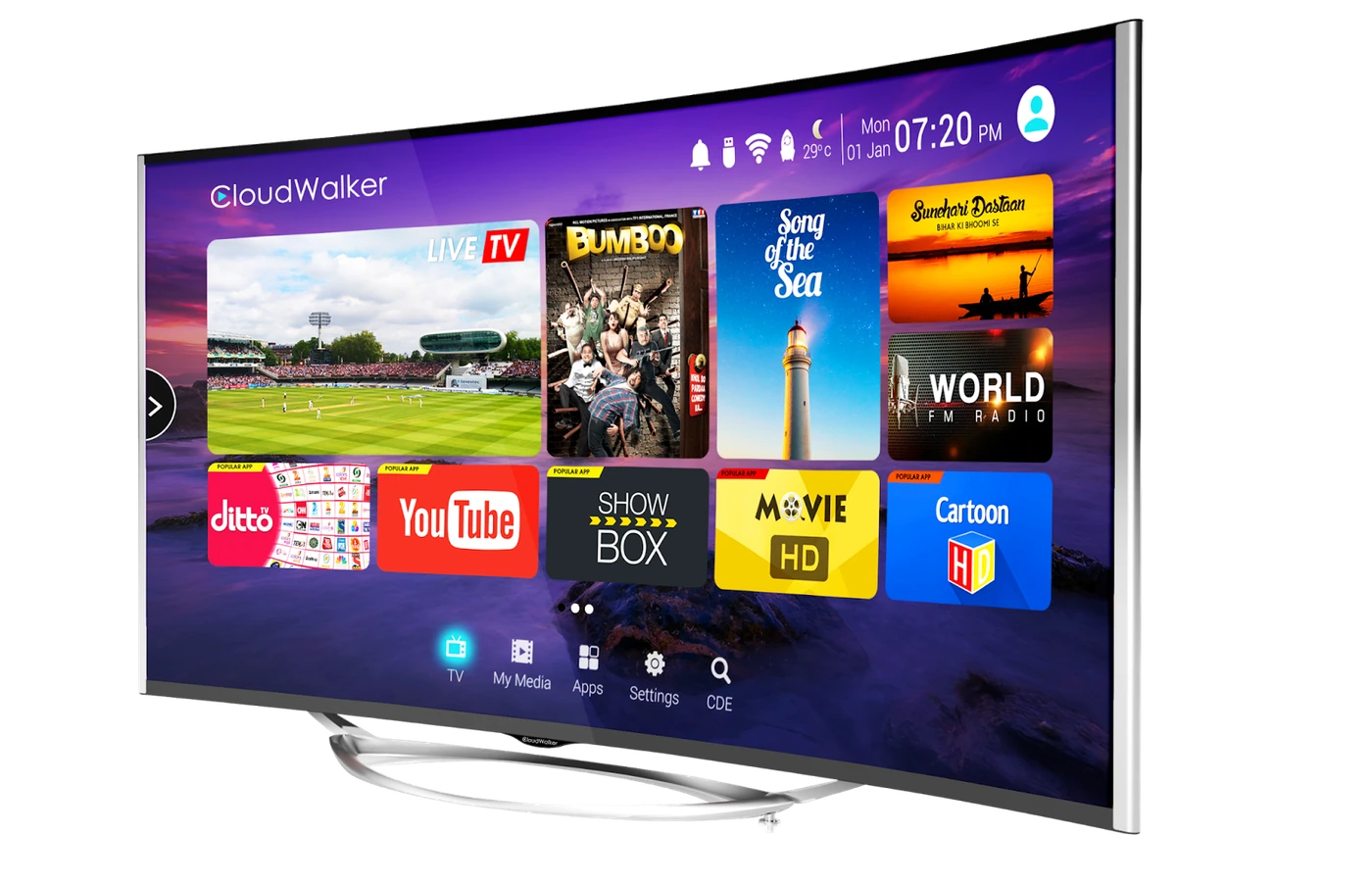
Choose how many devices you'll stream on, then pick a duration. Every plan includes 24,000+ channels, 4K, anti-freeze tech, EPG, and 24/7 support.
All prices in USD. Stripe-secured checkout. Plans auto-renew until cancelled.
A premium IPTV subscription with 24,000+ live channels streaming straight to your Firestick, Android TV, or Android phone — no cable, no dish, no installer.
Pick a plan, we email your login credentials in about five minutes, and you sign in to the Fos TV app. That's the whole setup.
Every major US network, every UK channel, every Premier League match, every NFL Sunday, every UFC fight night — in 4K where the source supports it.
The channel list is honestly massive, streams don't freeze during the fourth quarter, and you can poke around for 24 hours free before paying a cent.
If you watch live sports, news, or international channels and you're tired of stacking $15 streaming subs — yes.
Fos TV runs about $15/month on the 12-month plan. The 2026 US cable average is $147/month (S&P Global), and Sky UK starts around £36 before sports add-ons. Even if Fos TV only replaces cable, you save $1,200+/year.
Live sports fans who don't want three separate services to follow their teams. Families that need kids channels plus international networks cable doesn't carry. Anyone who already owns a Firestick or Android TV box.
If you only watch one streaming service's exclusive originals — HBO's Succession, Apple's Severance — you're better off paying that service directly. Fos TV is built for breadth, not for studio exclusives.
The Fos TV app is Android-only right now. Firestick and Android TV are first-class. Samsung or LG owners plug in a Fire TV Stick (works perfectly). iOS is on the roadmap.
24-hour money-back if a technical issue can't be resolved. Read the full refund policy before you sign up.
The Fos TV FAQ covers pricing tiers, install steps, login resets, channel requests, and the lot. 18 real questions, real answers.
Welcome email lands in about five minutes after checkout — login credentials, install URL, and a one-page quickstart for Firestick or Android TV. Most subscribers are streaming inside 10 minutes from payment.
Fos TV's channel mix is tuned for North American and British households: every major US network, every UK terrestrial channel, Premier League, NFL, NBA, plus international feeds cable usually charges premium-tier money for.
No credit card. Instant activation. Email + WhatsApp number is all we need.
Built for the cord-cutting era — every feature focused on a smoother stream, more content, and less drama.
Sports, movies, news, kids, international — basically every channel your cable provider charges premium tiers for, plus a couple thousand they don't even carry.
New releases land within days of the cinema window. The back catalog goes deep — 80s classics, anime, indie films, foreign-language stuff. Refreshed monthly so you're not watching the same library forever.
Multi-CDN failover plus adaptive bitrate means the stream rerouts before you notice. Even during the Super Bowl surge when half the country is hammering the same servers, Fos TV holds steady.
If a channel broadcasts in 4K, Fos TV streams in 4K. The rest deliver in FHD or HD. Nobody upscales SD to fake "4K-ready" — we'd rather just tell you the truth about the source.
A full 7-day Electronic Program Guide is baked into the app. Set reminders, scroll ahead, jump to whatever's on live in two taps. Most IPTV providers charge extra for this — we don't.
Credentials hit your inbox in about five minutes. No contracts, no installer appointment, no waiting two weeks for a tech to show up. Sign up, install the app, you're streaming.
Email help@catchontv1.email at 3 AM and someone actually replies — usually inside an hour or two during business hours. WhatsApp support is wired up too if email feels slow.
Designed for North American and British households: every channel cable would charge you for, plus the international feeds cable doesn't bother carrying. Geo-block warnings? None — Fos TV uses licensed providers.
The whole flow — including the install — takes under 10 minutes the first time. After that, it's just opening the app.
Choose a connection count and duration on the pricing page, or skip ahead with the 24-hour free trial — no credit card required.
Sideload on Firestick via the Downloader app, install on Android TV, or grab the APK on your Android phone. Full step-by-step guides on the app page.
Sign in with the credentials from your welcome email. 24,000+ channels appear, organized by category. Press play.
The Fos TV app runs natively on Android, Fire OS, and Android TV. Samsung, LG, iPhone, and iPad users get full support via a simple Fire TV Stick workaround.
Fire TV Stick 4K, 4K Max, Cube
Nvidia Shield, Mi Box, Chromecast with Google TV
Samsung, Pixel, OnePlus, Xiaomi
Samsung Tab, Lenovo, Amazon Fire
Workaround available
Use a Firestick workaround
Shield TV, Shield TV Pro — first-class Android TV
Xiaomi Mi Box S, Mi Box 4K, Mi TV Stick
4K and HD models — sideload via Downloader
Not supported natively — use a Firestick workaround
We're honest about device support — read the full install guide for setup details.
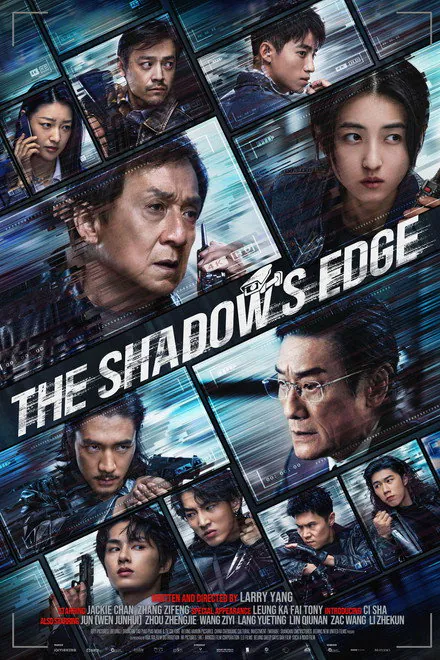
A peek at the latest releases streaming this week.






From the NFL to the Premier League to UFC pay-per-views, Fos TV carries the major leagues without forcing you to pay separate ESPN+, NFL Sunday Ticket, or DAZN fees.
Every Sunday game, MNF, TNF, plus RedZone. No NFL Sunday Ticket subscription needed.
All league pass games plus national broadcasts on ESPN, TNT, and ABC.
Local and out-of-market games, regional sports networks, MLB Network.
Regular season, playoffs, and the Stanley Cup Final across NHL Network and regional channels.
Every Saturday and Sunday match via Sky Sports, BT Sport, and Premier League Productions.
UFC pay-per-views, Fight Night, and major boxing events without separate PPV fees.
Every Grand Prix weekend live — practice, qualifying, the race. Plus MotoGP, IndyCar, NASCAR, and 24 Hours of Le Mans coverage.
All four Grand Slams (Australian Open, French Open, Wimbledon, US Open), the ATP and WTA tours, plus the Masters, PGA Championship, US Open, and The Open.
A side-by-side look at what you get with Fos TV vs a typical US cable subscription.
| Feature | Fos TV | Cable |
|---|---|---|
| Channel count | 24,000+ | ~200 |
| 4K UHD streaming | ✓ Included | ✗ Premium tier |
| Anti-freeze technology | ✓ Built in | ✗ Depends on weather |
| 24-hour free trial | ✓ No credit card | ✗ Contract required |
| Setup time | 5 minutes | Days (installer visit) |
| Average annual cost | ~$180/year | $1,400+/year |
| Contract length | None | 12-24 months |
| Devices supported | Firestick, Android TV, Android phones | Cable box only |
| EPG TV guide | ✓ 7-day | ✓ Included |
That's $1,200+/year in savings, while watching more content on more devices.
Real feedback from cord-cutters across the USA and UK.
"Switched from Spectrum and I'm not going back. The picture quality is sharp, the channel list is huge, and I've never seen it buffer on my Firestick 4K Max."
"Best IPTV I've used. The Premier League coverage is what sold me, the price is what kept me. Setup on my Nvidia Shield took five minutes."
"NFL + UFC + boxing all on one subscription? Done. Cancelled three other services after one weekend with Fos TV."
"The 24-hour trial sold me — I could actually test the channels I cared about. Activation was instant after I paid, and support replied to my install question in 20 minutes."
Quick answers to what people ask before signing up. See the full FAQ for everything else.
Fos TV is a premium IPTV streaming service with 24,000+ live channels, 50,000+ movies and series, and a dedicated Android app. It streams in 4K, FHD, HD, and SD via your existing internet connection — no cable or satellite needed. Sign up at /free-trial to test it for 24 hours.
Yes. Fos TV operates with licensed content providers and complies with US and UK regulations. Customers stream content via the official Fos TV Android app on Firestick, Android TV, or Android phones. See the full legality breakdown on our FAQ page.
Plans start at $15/month and scale by number of connections (1-5 devices) and duration (1, 3, 6, or 12 months). The 12-month plan delivers the best per-month price and is our most popular option. See full pricing with the connection switcher.
Yes — a 24-hour free trial with no credit card required. Sign up at /free-trial and receive credentials by email within 5 minutes.
The Fos TV app runs natively on Amazon Firestick, Android TV (Nvidia Shield, Mi Box, Chromecast with Google TV), and Android phones/tablets. Samsung, LG, and iOS users use a Fire TV Stick workaround — plug a Firestick into your TV's HDMI port and run the Fos TV app from there. See full install guides at /app.
Enable Apps from Unknown Sources in Fire TV settings, install Downloader from the app store, enter the Fos TV install URL, install the APK, and sign in with credentials from your welcome email. Full step-by-step guide on the app page or the troubleshooting guide.
After signup, we email you a username and password. Open the Fos TV app on your Firestick or Android device, enter both, and the channel list loads instantly. Most installations prefill via an M3U URL link in the welcome email — see /blog/fos-tv-troubleshooting-guide for fixes if login fails.